Running a football highlights site alone means wearing every hat. You cut clips, design thumbnails, write captions, and maybe pay a freelancer to translate subtitles for a second audience. The work piles up on match nights, and the question that rarely gets answered is whether any of it shows up in search. Sports pages live and die by timing: a "goals and highlights" page that sits on page three the day after the match has missed its window. This guide walks through how a one-person highlights operation can use a keyword rank tracker for solo site owners called ServiceHub247, to see where each page stands and decide which outsourced work is worth repeating.
One clarification up front. ServiceHub247 is a keyword rank tracker. It is not a marketplace for hiring video editors, thumbnail designers or translators, and nothing on its site says otherwise. What it does is tell you, with data, whether the pages those freelancers helped you produce are climbing.
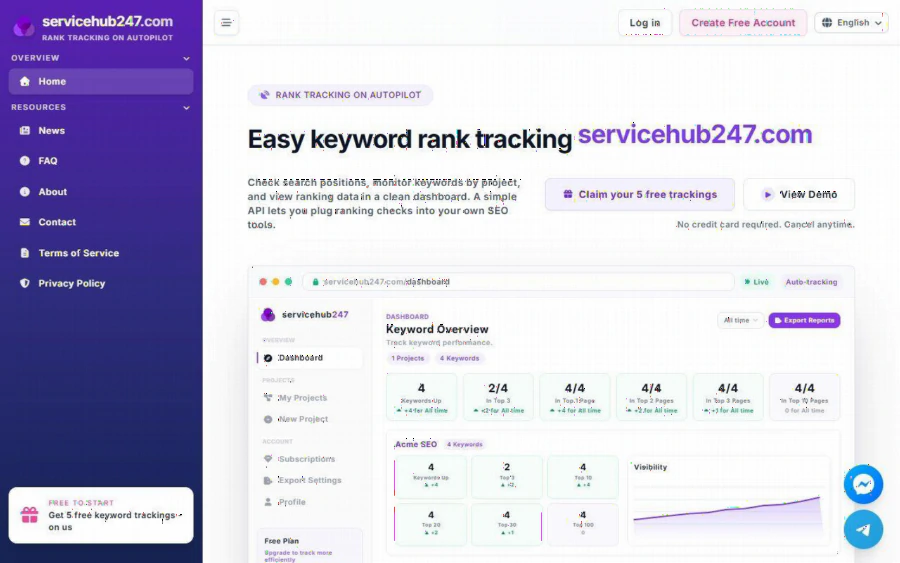
ServiceHub247 homepage showing the Easy keyword rank tracking headline, the free 5 trackings button and a sample Keyword Overview dashboard with Top 3 and Top 10 counts
The problem: outsourcing without feedback
Say you pay someone to trim a match into a four-minute highlight reel, another person to make a thumbnail, and a third to translate subtitles into Spanish. Each job costs money and time. A week later you have no clean way to link the work to results. You search your own match title in Google, see yourself somewhere, and feel good or bad depending on the day. Personalized results and your own location make that check unreliable.
A tracker replaces gut feeling with a fixed list of keywords, checked the same way each time. According to the homepage, ServiceHub247 lets you check search positions, monitor keywords by project and view the results in a dashboard, with a simple API for plugging checks into your own tools.
Step 1: define what you are paying for
Before opening any tool, write down the keywords tied to each outsourced job. For a highlights site that could look like this:
- Editing: "[team A] vs [team B] highlights"
- Thumbnail: the same keyword, but you compare click behavior in your own analytics later
- Subtitle translation: the translated phrasing, for example "resumen [team A] [team B]"
Keep the list short. The free plan covers 5 keywords, and the paid plans cover 30 or 50, so a tight list is a feature, not a limit.
Step 2: create the account and a project
The homepage says no credit card is required for the free plan, which is listed as $0 forever with 5 keywords checked weekly. Sign up through the account setup page, then create a project. One project per site is the natural fit, since the dashboard groups keywords by project. The FAQ includes a walkthrough titled "Create your first project and add keywords" that covers adding a URL, keyword and region.
Step 3: set the region for each keyword
Each keyword has a region field that determines which Google results are tracked, according to the FAQ article on region targeting. This matters for football. A highlights page for a Premier League match may rank very differently in the UK, the US and Australia. If your subtitle translation targets Spanish speakers in Mexico, set the region to match that audience instead of your own. The product pages only mention Google, so do not expect tracking for other search engines.
Step 4: pick a check frequency that fits the match calendar
Pricing on the homepage, under "All Plans", is as follows:
| Plan | Price per month | Keywords | Frequency |
|---|---|---|---|
| Free | $0 | 5 | Weekly |
| Lite Weekly | $5.90 | 30 | Weekly |
| Standard Weekly | $7.90 (listed $11) | 50 | Weekly |
| Lite Daily | $21.90 | 30 | Daily |
| Standard Daily | $29.90 (listed $46) | 50 | Daily |
| Enterprise | Custom quote | Not listed | Not listed |
Paid plans renew through Stripe. For a solo owner, weekly checks are usually enough to judge an evergreen page. Daily checks matter when you want to know within a day whether a fresh match page broke into the top 10, which is a different question. A sensible approach: start free, add a weekly paid plan when you outgrow 5 keywords, and move to daily only for a busy season.
Step 5: read the dashboard after each batch of work
The dashboard summarizes how many keywords moved up and how many sit in the Top 3, Top 10, Top 20, Top 30 and Top 100, with a Visibility chart and Position Trend. History is kept per keyword, and rank alerts and a daily digest of keywords that changed position are part of the feature list. The FAQ describes the digest as a morning summary of changes from the last 24 hours, split into UP, DOWN, NEW and LOST.
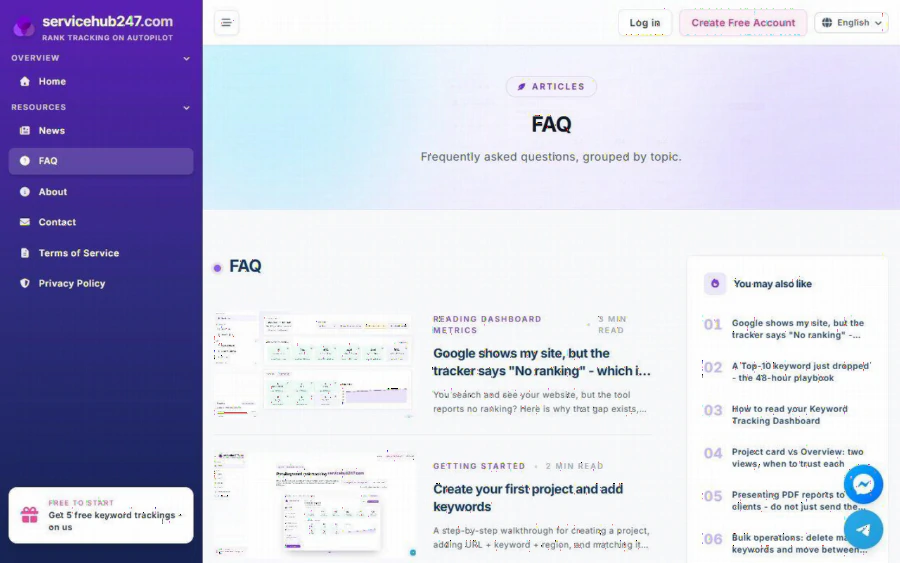
ServiceHub247 FAQ page listing guides on reading dashboard metrics, creating a first project and adding keywords
A practical routine after each outsourced delivery:
1. Note the date the page went live.
2. Check the keyword history one week and one month later.
3. Record which freelancer or format was involved.
4. Repeat the format that correlates with better positions, and drop the one that does not.
Correlation is not proof. A page can rise because a big match happened, not because your thumbnail was good. Still, six matches of data beat zero.
Step 6: hand over reports
If a freelancer or a partner wants to see results, the product offers report export, including a PDF snapshot. That gives you a neutral document to share when discussing rates or revisions, instead of screenshots of your own search results.
Strengths and limits
Strengths. A real free tier, low monthly prices at the weekly level, region selection per keyword, history, alerts and an API. Domain metrics such as DR, DA and Trust Flow are shown in the product screenshots, which helps when judging your own site against others.
Limits. The public pages show Google only. They do not state a project limit or how many regions are supported. The Lite plans stop at 30 keywords and Standard at 50, so a site tracking every fixture of a full league will need Enterprise or a very selective list. Also, a tracker reports positions. It does not make pages rank, and it cannot tell you why a position changed.
Compared with others. Tools such as SE Ranking, AccuRanker and SERPWatcher by Ahrefs serve larger teams with broader feature sets. ServiceHub247 positions itself on simplicity and price, so check each tool's current plans before deciding. For a single owner with a modest keyword list, the lower tier is the sensible fit.
Who should use it. Solo site owners and small agencies who pay for content production and want evidence of what works. Who should not. Anyone who needs to hire video or design services through the same platform, or who must track thousands of keywords across many engines.
Where to begin
Pick five match or team keywords from your last month of posts, create a free account at ServiceHub247, set the right region for each and let one week of data accumulate. If the dashboard shows movement tied to your outsourced work, upgrade to a weekly plan and expand the list. If it does not, you have saved money on the next round of freelancers.